How to Import ICS to Google Calendar? Best Guide
admin | Published: March 16, 2026 | Data Migration
In this guide, we will explain all tried and tested methods to easily upload ICS to Google Calendar. We will also cover the common reasons to import the ICS file and also discuss manual and ICS to Google Converter to make the process successful. This guide is fully reliable for both enterprise or home users to easily manage their calendar data in Google Workspace.
Many users received an ICS file from their clients, colleagues or other applications like Outlook, Apple Calendar or other scheduling tools. If you use Google Workspace or Google Calendar, importing ICS to Google Calendar allows users to add meetings, events, and reminders without adding it manually.
When trying to import files manually, they may face issues such as time zones, duplicates, recurring events or errors. Due to these, lots of users want to know the correct method to easily perform ICS to Google Calendar migration.
Why Do Users Import ICS Files into Google Calendar?
- Many users switch from Outlook or Apple platforms and want to import their calendar data into Google Calendar. As it allows users to access their existing meetings, reminders and schedules without recreating them manually.
- Sometimes, organizations or clients share schedules in an ICS file. After importing, users can add multiple events such as conferences, webinars, or training sessions to their Google Calendar.
- Some organizations switched to Google Workspace and needed to transfer calendar data to Google Calendar to stay updated with the existing meetings and upcoming plans.
- ICS files are often used for backup. Users can export calendar data from another platform and import it into Google Calendar if data needs to be restored.
- Instead of creating events one by one, importing ICS to Google Calendar allows users to upload all data at one place, and avoid missing data.
How to Upload ICS to Google Calendar Manually?
- Open Google Calendar on your PC.
- Click the Gear icon and click on Settings.
- In the left menu, click on Import/Export.
- Under the Import section, select the file from your computer and choose your ICS file.
- Pick the calendar where you want to add the events.
- Click on Import.
Google Workspace Admins to Bulk Uploading and Migrating ICS file
Google Workspace offers advanced tools like GWMME(if Microsoft Outlook is installed and Google Workspace Admin API. This tool supports batch migration, but maintaining attributes may not always be preserved.
- Google Workspace Migration for Microsoft Exchange – If you have installed Microsoft Outlook then you can migrate emails, calendars and contacts in bulk from Outlook/Exchange to Google Workspace. It supports multiple users and automates importing calendar events stored in ICS files.
- Google Workspace Admin API – For larger organizations, the admin API allows you to programmatically manage users’ calendars. Admins can upload multiple ICS files at once, automate event creation and integrate migration workflows into existing IT systems.
How to Use ICS to Google Calendar Converter?
If you are not very technical or have an ICS file on your local drive, experts often recommend the Office365 Import Tool. It can directly import ICS files into Google Calendar with maintained attributes like time zone, events or other data. To use this software, you just need to click the download button and follow the instructions as we have explained below:
- Download and run ICS to Google Calendar Converter on your PC.
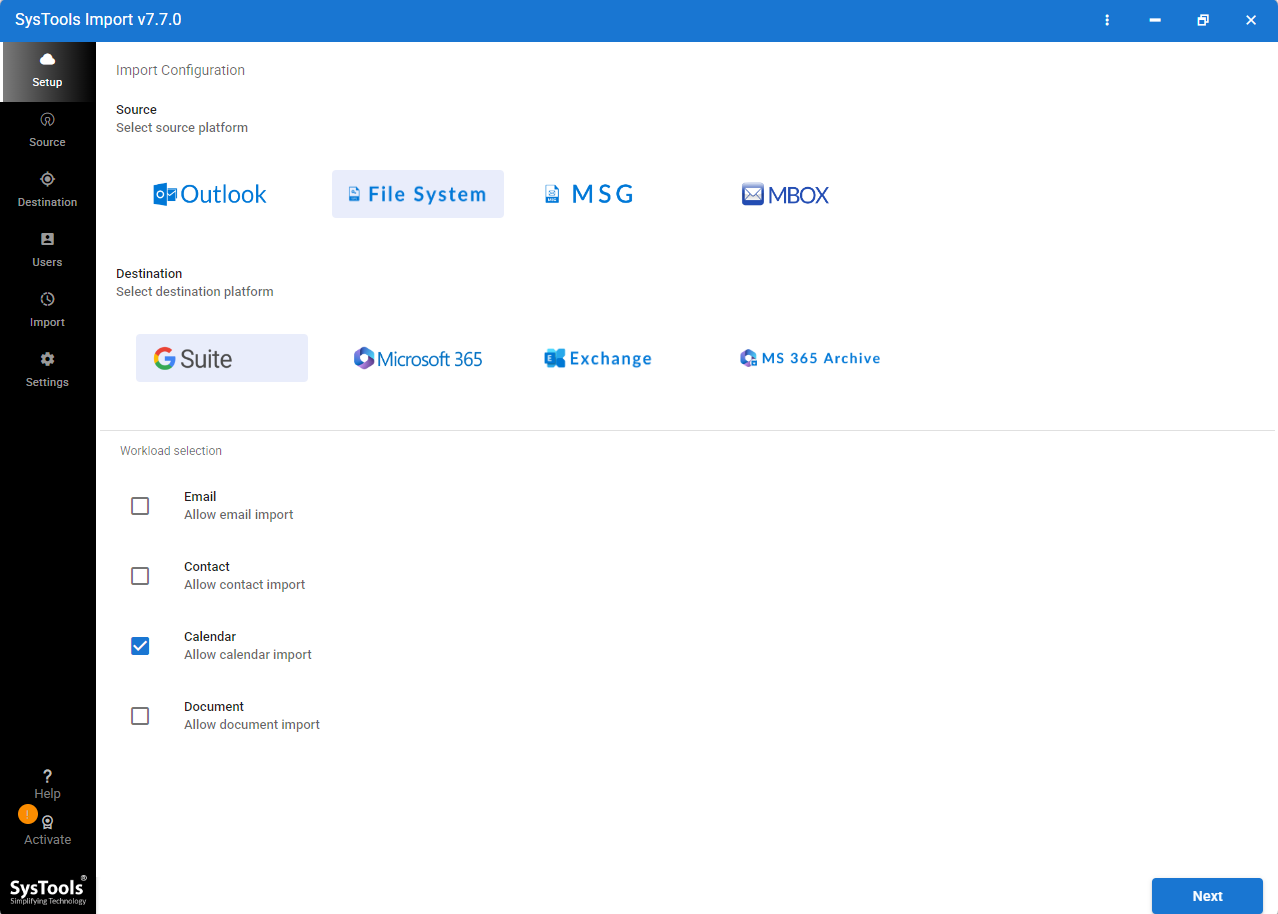
- Click on File System and select the Calendar checkbox.
- Select the ICS file you want to import.
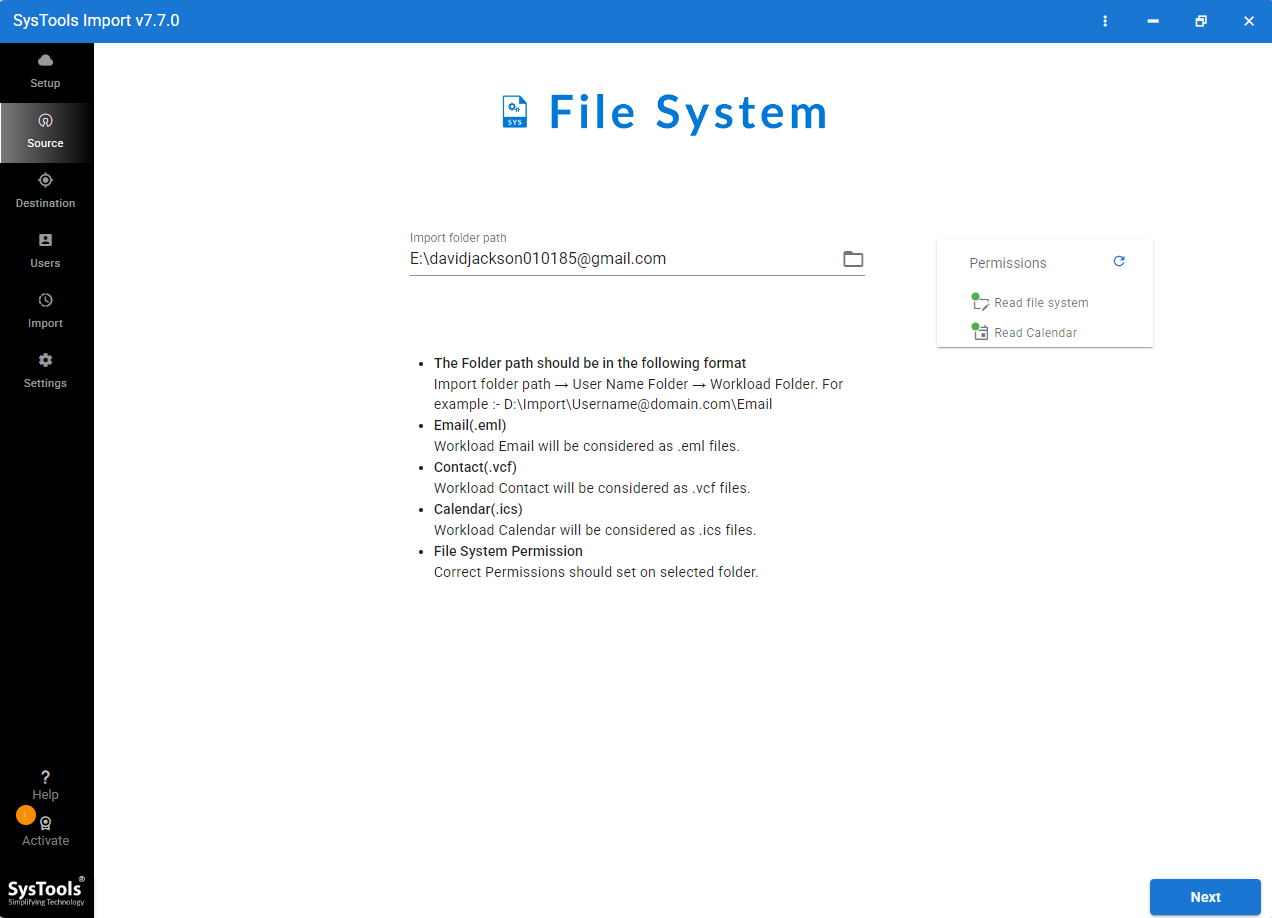
- Sign in with your Google Workspace account to verify your data.
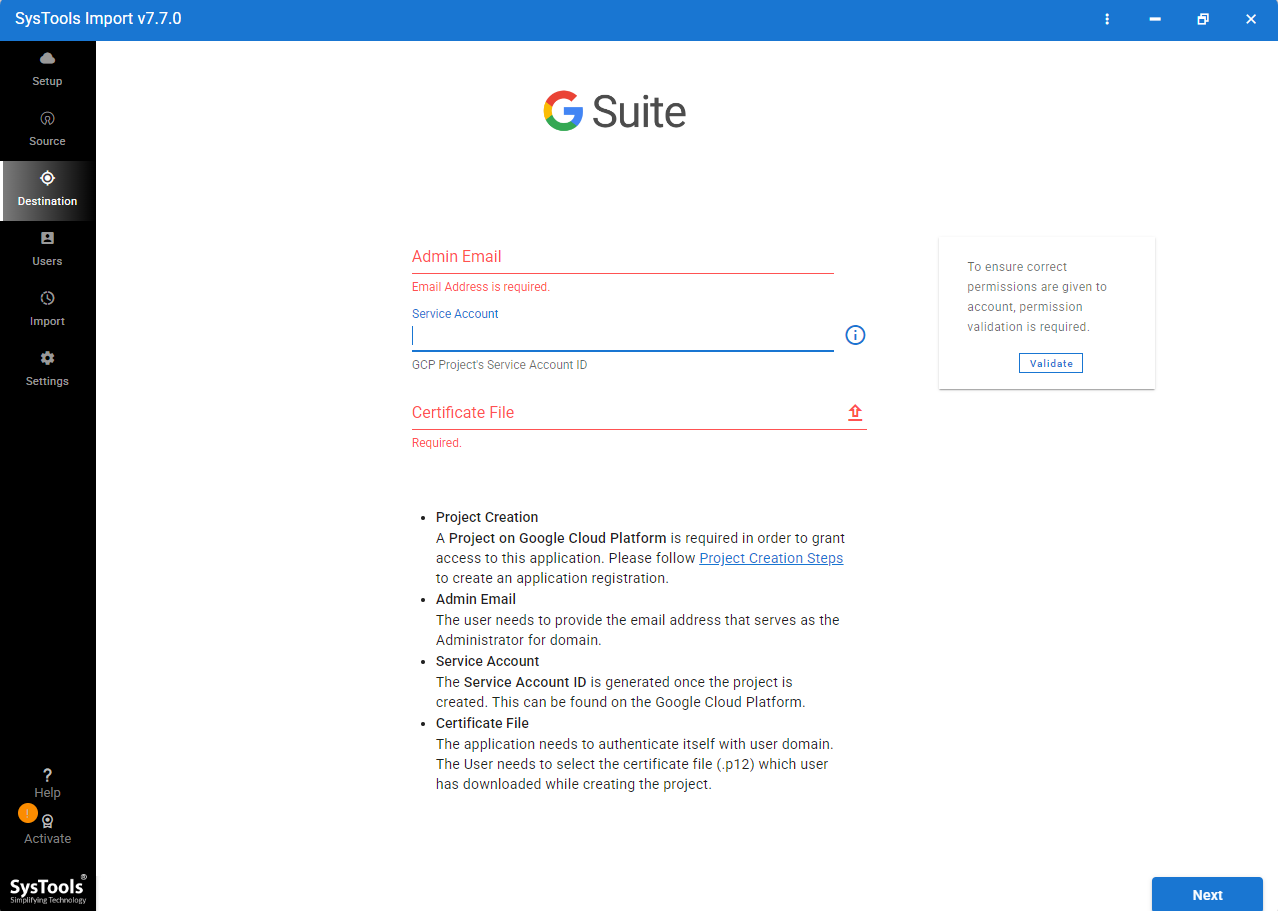
- Click Next, fetch users and import data to specific users as needed.
Key features of ICS to Google Calendar Converter
- It allows you to upload an ICS file and can read all data like titles, dates, times, descriptions and locations so it can process them correctly.
- This software allows processing of multiple events or any number of ICS files, making it easier to import calendar events in bulk instead of one by one. It also supports a user mapping feature to transfer events to selected user accounts within the admin account.
- Works with ICS files created by Outlook, Apple Calendar, and other calendar applications. So, you can easily import in Google Calendar.
- It offers a date filters feature to export data from specific periods and also helps to skip unwanted events.
Conclusion
Let sum up, We have explained all reliable techniques to import ICS to Google Calendar. If you want to maintain all attributes, then use experts first choice ICS to Google Calendar Converter. This software maintains all attributes and is fully reliable for batch migration.
Common Questions
Why is my ICS file not imported into Google Calendar?
If your ICS file is not imported into Google Calendar then it can happen due to corrupted, improperly formatted, or too large. Time zone mismatches, unsupported calendar fields or wrong calendar import can create the issues. Ensure the file is valid and upload it through Settings and click on Import/Export.
Does importing an ICS file create duplicate events?
Yes, Importing an ICS file can create duplicate events if it’s imported multiple times or if events already exist in the calendar. Google Calendar doesn’t always detect duplicates automatically. So, it’s best to check before importing again.
How do I bulk import ICS files to multiple Google Workspace users?
Admins can bulk import ICS files using tools ICS to Google Calendar Converter. This tool allows the Administrator to upload events for multiple users and manage calendar data centrally across the organization.
Will the time zones stay the same after uploading the ICS file?
In most cases, the time zone remains the same as exists in the ICS file. However, if the file is not properly maintained with a specific time zone or Google Calendar is configured in a different time zone then it may change after the import.
Can I import an ICS file to Google Calendar on Android or iPhone?
No, You cannot import an ICS file to Google Calendar on Android or iPhone. You need to upload the ICS file using the Google Calendar on a desktop browser, and then events will automatically sync to your mobile device.